Open Events Manager, click into your Purchase event, and there it is: 3.9 out of 10 with a yellow warning. I see this on most CAPI setups I audit, and it's rarely one big mistake. It's four or five small ones stacked up.

| Layer | What sits there |
|---|---|
| Inputs | em, hashed email, ph, digits plus country code, fbc, the click ID cookie, fbp, the browser ID cookie, external_id, IP, user agent |
| Meta's user graph match | Scores each Conversions API event 0-10 on how well it resolves to a real account |
| Destinations | Conversion gets attributed, Retargeting pool includes them, Lookalike seed quality, Delivery learns from the event |
What is Event Match Quality and how does Meta calculate it?
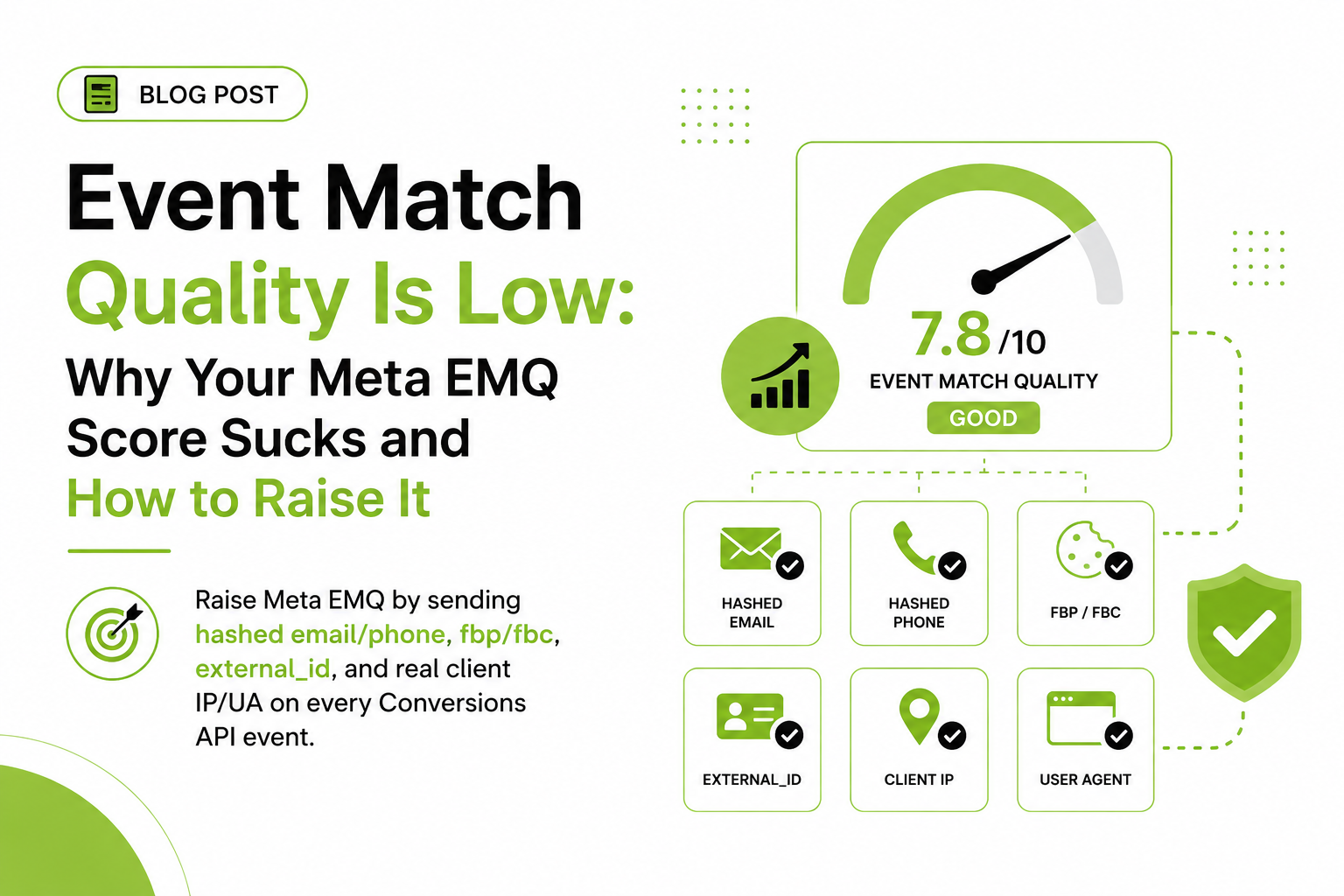
EMQ is a 0–10 score Meta assigns to each event you send through the Conversions API, based on how many customer information parameters the event carries and how often they actually match to a Facebook or Instagram account. It answers one question: when a Purchase comes in from your server, can Meta figure out who purchased?
The parameters that feed it are the ones Meta can match against its user graph:
- em — email, SHA-256 hashed after lowercasing and trimming
- ph — phone, hashed, digits only with country code
- fbc — the click ID cookie, built from the
fbclidURL parameter on ad clicks - fbp — the browser ID cookie the Pixel sets on every visitor
- external_id — your own customer or user ID
- client_ip_address and client_user_agent — the visitor's real IP and browser string, unhashed
- fn, ln, ct, st, zp, country, db, ge — name, city, state, zip, country, date of birth, gender, all hashed
Each parameter is another key to match on. Email and phone are strong because they're tied to account logins. The fbc cookie is strong because it contains the click Meta just served. IP and user agent are weak alone but boost everything else.
Where do I see my EMQ score in Events Manager?
In Events Manager, select your dataset; every event received through the Conversions API shows its score right in the event list. Click the event and open the Event Match Quality tab. That view is the useful one: it lists each customer information parameter, the percentage of events that included it, and flags for invalid formats.
Two things about reading it. EMQ only exists for Conversions API events; browser Pixel events don't get a score because the Pixel grabs cookies, IP, and user agent automatically. And the score updates on a rolling window — a fix you push today takes a few days to show.
Which parameters should I fix first to raise EMQ?
Work down this list in order. The top three do most of the lifting.
- Hashed email (em). The single biggest lever. On Purchase, Lead, and CompleteRegistration you have the email at conversion, so there's no excuse for it missing. Normalize before hashing: lowercase, trim, then SHA-256. On server GTM, the Meta tag hashes for you.
- Phone (ph). Second-strongest identifier, and the one most often broken by formatting. Digits only, country code included: "+1 (555) 010-2233" becomes 15550102233 before hashing. I've audited stores where phone was on 100% of events and matched on almost none because the plus sign and spaces got hashed too.
- fbc. When someone clicks your ad, the
fbclidlands in the URL and the Pixel writes it into the_fbccookie. Missing fbc on ad-driven traffic throws away the strongest match key you'll ever have. - fbp. Set for every visitor, clicker or not. It covers the traffic fbc can't.
- external_id. Your customer ID from Shopify, WooCommerce, or your CRM. Send it consistently on browser and server events; Meta uses it as a join key across sessions and devices.
- client_ip_address and client_user_agent. Low individual value, but they sharpen every other match. Per Meta's documentation, sending a user agent without the real client IP (or vice versa) can hurt website events, so send both or neither.
- Name, zip, city, state, country, date of birth. Fill these in when you have them. Each one nudges the score up a little.

- Order webhook fires — Shopify sends order data only
- No browser context — No _fbp, no _fbc, no visitor IP
- Server's own IP sent — Datacenter IP, curl-like user agent
- Capture at conversion — Store _fbp, _fbc, IP and UA on the order
- EMQ recovers — Real visitor context rides every event
Why do my server events score lower than expected?
Because a server doesn't automatically know anything about the browser. The Pixel gets the _fbp and _fbc cookies, the visitor's IP, and their user agent for free. A CAPI event fired from a Shopify webhook, a CRM automation, or a payment callback has none of that unless you deliberately capture it and pass it along. That's why a fresh server-side setup often scores worse than the janky Pixel-only setup it replaced.
The classic failure: the server sends its own IP and user agent instead of the visitor's. Meta now sees a thousand purchases from one datacenter IP with a curl-like user agent. Match quality craters, and your events look like bot traffic on top of it.
If you run server GTM, the fix is mostly configuration, not code:
- Run sGTM on a first-party subdomain (like
tr.yourstore.com) so the container can read the_fbpand_fbccookies. On a third-party domain it can't see them. - Let the GA4 client or Data Client capture request context. The incoming browser hit carries the real IP and user agent; sGTM exposes them as event data.
- Confirm fbp, fbc, client IP, and user agent are populated in the Meta CAPI tag. The official tag pulls them automatically, but verify in Preview mode instead of assuming.
- For webhook-driven events (Shopify order webhooks, GoHighLevel, Stripe), store
_fbp,_fbc, IP, and user agent at the point of conversion — order note attributes, hidden form fields, a CRM field — and attach them to the server event. The webhook alone will never contain them.

| Purchase, Lead, Signup | Checkout steps | ViewContent, PageView |
|---|---|---|
| Target 8.0 or higher | Target 7 to 9 | 4 to 6 is normal |
| Email and phone exist at conversion | InitiateCheckout, AddPaymentInfo | Mostly anonymous traffic |
| Name and address from the order | Contact fields often filled by now | fbp, fbc, IP and user agent only |
| Below 6 means identifiers missing | Capture them as they are typed | A 5.5 here is fine |
What's a realistic EMQ score for each event type?
Not every event can hit 10. The ceiling depends on how much customer information exists at that moment.
| Event type | Realistic target | Why |
|---|---|---|
| Purchase, Lead, CompleteRegistration | 8.0+ | Email, phone, name, and address exist at conversion. No excuse for less. |
| InitiateCheckout, AddPaymentInfo | 7–9 | Contact fields are often filled by this step; capture them as typed. |
| AddToCart | 5–7 | Mostly anonymous. Cookies, IP, UA, plus email for logged-in users. |
| ViewContent, PageView | 4–6 | Anonymous traffic. fbp, fbc, IP, and UA are usually all you have. |
A 5.5 on ViewContent is fine. On Purchase it means you're leaving your best identifiers on the table. Across my audits, almost all of the as-found-to-fixed EMQ improvement comes from the top three fixes above.
Does low EMQ actually raise my cost per result?
Yes, through a simple mechanism: unmatched conversions are invisible to optimization. An event that can't be matched can't be attributed, so Meta's delivery system learns from a smaller, skewed sample of your real results. Fewer training signals means slower learning, more spend wasted on guessing, and reported ROAS that undercounts what your campaigns actually drove.
There's a second-order effect too. Retargeting pools only include matched people, so low EMQ shrinks those audiences and every lookalike seeded from them. I won't put a universal percentage on it, but I've never fixed a sub-5 Purchase EMQ and watched nothing happen.
How do I verify my EMQ fixes are working?
Fire a test purchase and check the Test Events tab in Events Manager: hashed fields show as hashes, fbc starts with fb.1., and the IP should be a real visitor address, not your server's. Then give the main score a few days to catch up.
Why is going server-side the fastest way to raise EMQ?
Because the browser has a hard ceiling and your server doesn't. A pixel can only send what page scripts can see at that moment — maybe an email if the user typed one, cookies if Safari hasn't already clipped them. Your server can send everything your business actually knows: email and phone hashed from the customer record, the fbp and fbc values you captured first-party on the landing visit and stored, name and location from the order itself. Every added identifier is matching power the auction rewards.
The first-party part matters as much as the server part. When those identifiers get captured on your own subdomain, they survive blockers and outlive ITP's cookie limits — so returning buyers still match. I've watched EMQ scores that were stuck at five climb into the eights on this change alone, with cost per purchase following in the other direction.
Frequently asked questions
What is a good Event Match Quality score on Meta?
Aim for 8.0+ on conversion events like Purchase and Lead, where email and phone are available. For anonymous upper-funnel events like ViewContent, 4–6 is normal.
Does Event Match Quality affect ad performance?
Yes. Unmatched events can't be attributed or used for optimization, so low EMQ means Meta learns from fewer of your real conversions, shrinks retargeting audiences, and understates reported ROAS.
Why is my EMQ score low even though I send email and phone?
Usually formatting. Email must be lowercased and trimmed before SHA-256 hashing; phone must be digits only with country code. Hash "John@Gmail.com " with capitals and a trailing space and it never matches Meta's hash of the same address.
Do browser Pixel events have an EMQ score?
No. EMQ only applies to events received through the Conversions API. The browser Pixel collects cookies, IP, and user agent automatically, so Meta doesn't score it the same way.
How do I send fbp and fbc through server-side GTM?
Run your sGTM container on a first-party subdomain so it can read the _fbp and _fbc cookies; the official Meta CAPI tag picks them up automatically. Verify both in Preview mode.
How long does it take for EMQ to update after a fix?
A few days, since the score aggregates over a rolling window. Parameter coverage percentages in the Event Match Quality tab confirm sooner that your fix is live.