A few months back, a lead filled out our contact form and typed "ChatGPT recommended you guys" into the message box. I opened GA4 to look at the session. Direct. No source, no referrer, nothing. That visit was worth real money, and analytics filed it in the same bucket as someone retyping our URL from memory.
That's the state of AI referral tracking right now: the traffic every business suddenly cares about is the traffic GA4 is worst at showing you. Here's the full 2026 setup, including the parts Google's new channel doesn't cover.
Does GA4 track ChatGPT traffic automatically now?
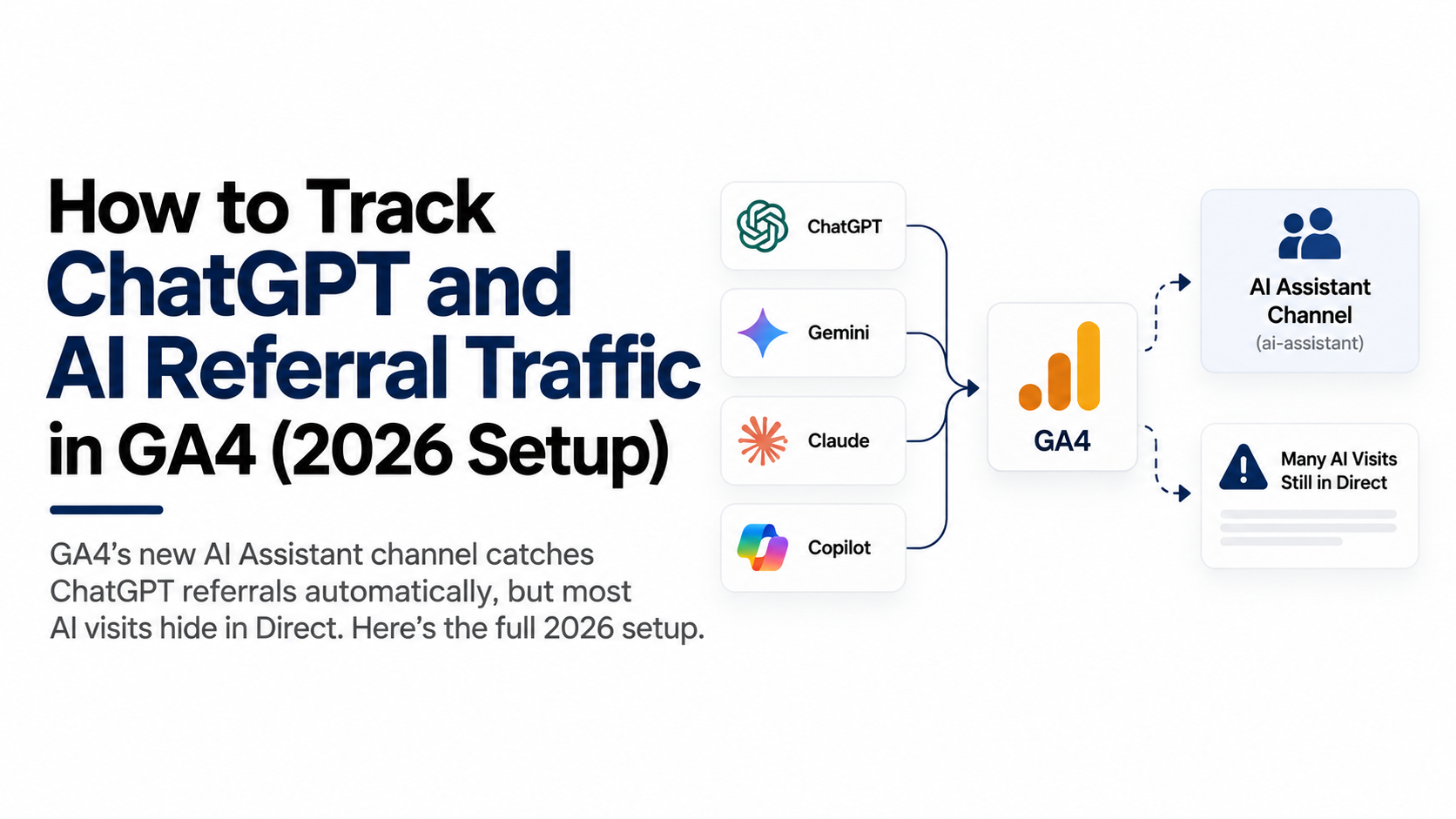
Yes, partially. On May 13, 2026, Google added a native "AI Assistant" channel to GA4's Default Channel Group. No setup required: when a session arrives with a referrer header matching a recognized AI assistant (chatgpt.com, gemini.google.com, claude.ai, and others on Google's list), GA4 assigns the medium ai-assistant, drops the session into the AI Assistant channel, and stamps the campaign as (ai-assistant).
Three limits you should know before you trust it:
- It's forward-only. The classification starts May 13, 2026. Everything before that stays buried in Referral or Unassigned. Your AI trend line has no history.
- It's referrer-dependent. The channel only catches sessions that arrive carrying an AI referrer. As you'll see below, that's the minority of AI visits.
- It's one lump. The channel groups every assistant together. You can still split by session source (chatgpt.com vs perplexity.ai) in Explorations, but the default report shows one aggregate line.
The native channel is a decent headline number. Stop there and you'll undercount AI traffic badly.

- Admin > Data display > Channel groups — Create a new channel group rather than editing the default one
- Add a channel named AI Assistants — This is the channel your traffic acquisition reports will roll up to
- Match session source by regex — Wrap each domain in .* — chatgpt.com, perplexity.ai, claude.ai, gemini.google.com
- Drag it above Referral — Groups evaluate top-down, so Referral swallows AI sessions if it sits higher
- Switch the report dimension — Traffic acquisition on your new group, with historical data included
How do I build a custom AI channel group in GA4?
Create a custom channel group with a regex condition on session source. This gives you two things the native channel doesn't: history (custom channel groups apply retroactively to your existing data in reports) and control over exactly which sources count.
- In GA4, go to Admin → Data display → Channel groups.
- Click Create new channel group (don't edit the default one).
- Add a channel named AI Assistants.
- Set the condition: Session source matches regex, and paste a pattern like this:
.*chatgpt\.com.*|.*chat\.openai\.com.*|.*perplexity\.ai.*|.*claude\.ai.*|.*gemini\.google\.com.*|.*copilot\.microsoft\.com.*|.*edgeservices\.bing\.com.*- Drag your AI Assistants channel above Referral in the ordering. Channel groups evaluate top-down, and if Referral sits higher it swallows your AI sessions first.
- Save, then open any traffic acquisition report and switch the primary channel dimension to your new group.
GA4's "matches regex" is a full-string match here, which is why the pattern wraps each domain in .*. Revisit the list quarterly; new assistants keep launching, and old domains linger (chat.openai.com still shows up in source reports).
Which pages are AI assistants actually citing?
Landing-page analysis shows you which pages the models cite, the closest thing to a rankings report for AI search. Assistants almost never send people to your homepage. They cite the specific page that answered the question: a comparison table, a how-to, an FAQ answer.
Set it up in five minutes: open Explore, create a free-form report, set Landing page + query string as the row dimension, add Session source as a filter matching your AI regex, and pull in sessions, engagement rate, and key events as metrics.
What you get is a list of your AI-cited pages ranked by traffic. Those pages are assets. Update them first, add related questions to them, and study their structure (direct answers high on the page, question-phrased headings) because that's the format that earned the citation. This article you're reading follows that structure on purpose. It's how we get found.

- ChatGPT recommends you — Link tapped in-app, or copied to a new tab
- Referrer stripped — In-app browsers and privacy policies drop it
- GA4 files it Direct — Same bucket as someone retyping your URL
- Landing-page evidence — Deep AI-cited page, first visit, no referrer
Why does most AI traffic show up as Direct?
Because the referrer never arrives. Loamly's State of AI Traffic 2026 report, built on roughly 446,000 analyzed visits, found that 70.6% of AI-driven traffic lands with no referrer header at all, which means GA4 files it as Direct. Only about three in ten AI visits carry a source your analytics can see. Other datasets put the share lower, but every one agrees the leak is big.
Three mechanisms cause it:
- In-app browsers. Tap a link inside the ChatGPT mobile app and the in-app browser frequently passes no referrer. Mobile is a huge share of assistant usage.
- Copy-paste behavior. People read the recommendation, then copy the URL or retype the brand into a new tab. No click, no referrer, pure Direct.
- Privacy stripping. Referrer policies, private browsing modes, and browser privacy features trim or drop the referrer before it reaches you.
And who's behind the traffic that does show up? ChatGPT, overwhelmingly. Previsible's analysis of 6.77 million LLM-driven sessions, reported by Search Engine Land, put ChatGPT at 92% of trackable AI referral traffic. So when you fix your Direct leak, you're mostly recovering ChatGPT visits.

| Native AI channel | What you still build |
|---|---|
| Live since May 13, 2026 | Custom group, applies retroactively |
| Forward-only, no history | Landing-page report of cited pages |
| Needs an AI referrer to fire | First-party server-side capture |
| All assistants in one lump | A 'how did you hear about us' field |
Can first-party server-side tracking recover the hidden AI visits?
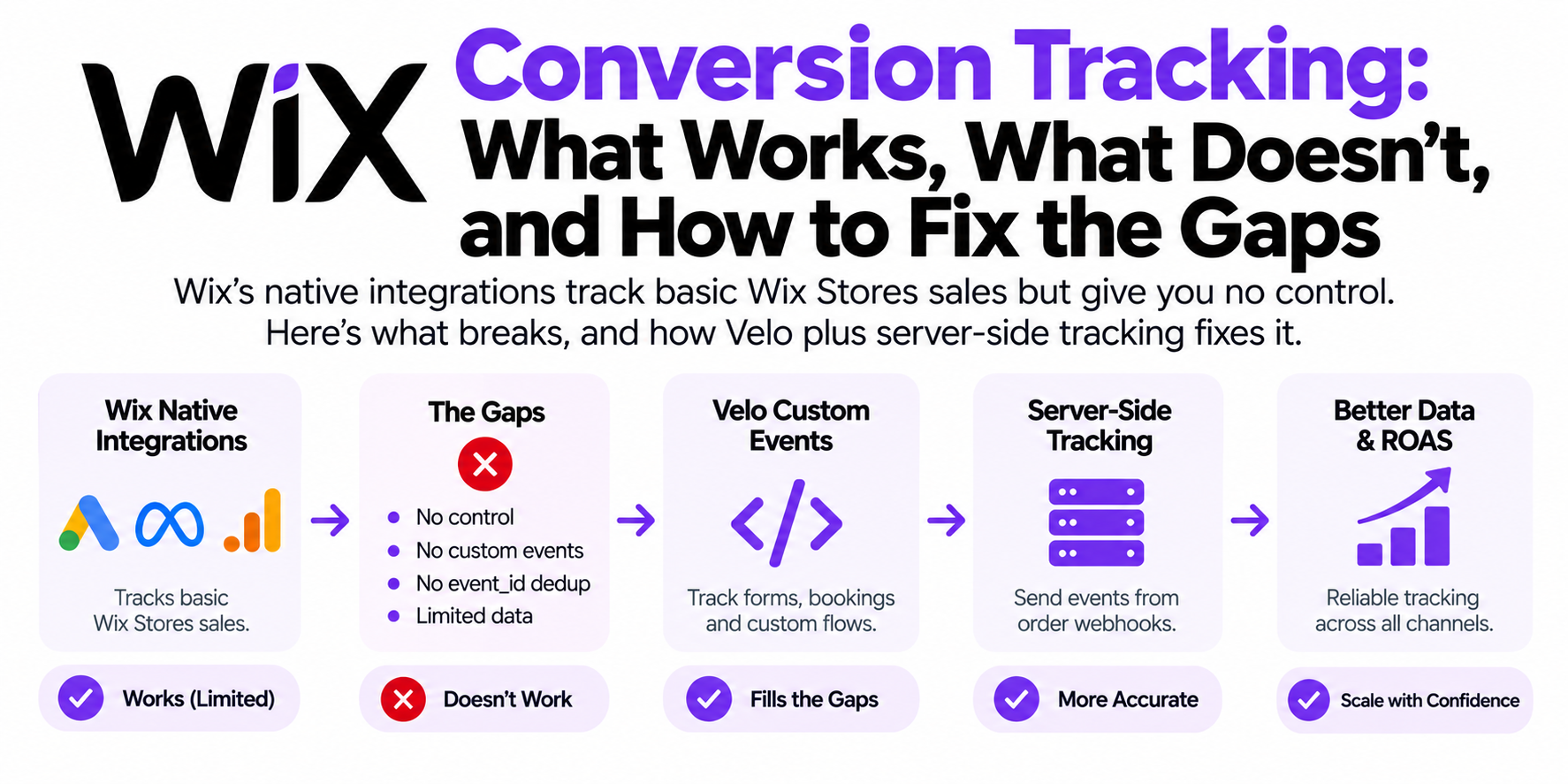
Part of them, yes, and it protects the part you can already see. First, plain language, because most store owners have never heard the term: server-side tracking means your site sends visit and conversion data to a small server you control (usually a server Google Tag Manager container running on your own subdomain, like track.yourstore.com) and that server forwards clean data to GA4, Meta, and Google Ads. Instead of every measurement request running in the visitor's browser where ad blockers, iOS privacy features, and Safari's ITP interfere with it, the critical hop happens on infrastructure you own.
Here's what that changes for AI traffic specifically:
- You stop losing the sessions that DO have a referrer. AI assistant users skew technical, and in my experience that means heavier ad-blocker use. A blocked gtag.js call means the session never reaches GA4 at all, referrer or not. First-party server-side collection on your own subdomain survives most blocking, so the AI Assistant channel you just set up actually receives its data.
- Landing-path heuristics become possible. Your server sees every request: landing path, referrer (or its absence), timestamps, and your own first-party cookie. A no-referrer session that lands directly on a deep, AI-cited page (found in your landing-page analysis above) from a first-time visitor is very unlikely to be someone typing that URL from memory. Tag those as "probable AI." It's a heuristic, not proof, but it turns a black box into an estimate you can act on.
- First-party cookies live longer. Safari caps JavaScript-set cookies at 7 days under ITP. Cookies set from your own server subdomain persist far longer, so when that ChatGPT visitor comes back next week to buy, GA4 sees a returning visitor instead of a brand-new one, and the AI touchpoint keeps its credit.
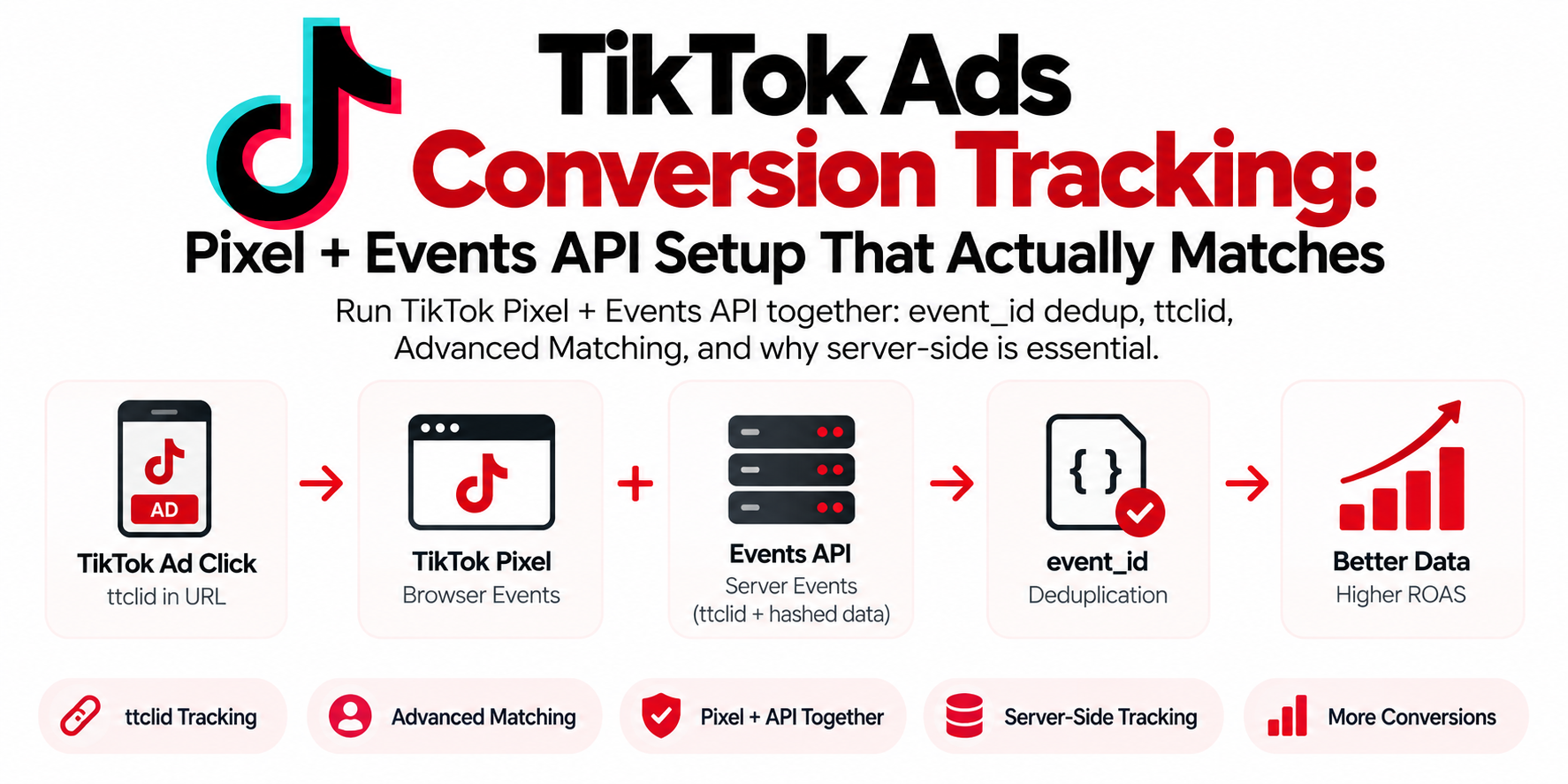
- One source of truth. The same server feed goes to GA4, Meta CAPI, and Google Ads, deduplicated with a shared
event_id. Your AI-traffic numbers stop disagreeing across platforms.
To be straight with you: no tool can conjure a referrer that never existed. Anyone promising 100% AI attribution is selling something. What first-party server-side capture does is stop the losses you control (blocking, short cookies, dropped hits) and give you the raw data to estimate the rest.
Does AI referral traffic actually convert?
Better than almost anything else, which is why this whole setup matters. In Loamly's same 2026 dataset, "dark AI" traffic (AI visits misfiled as Direct) converted at a 10.21% transactional rate versus 2.46% for non-AI traffic. That gap makes sense once you think about the intent: a person who asked an assistant "who should I hire to fix my Meta tracking" and clicked the recommendation arrives pre-sold. They're not browsing. They're choosing.
We see this in our own pipeline. Leads who mention ChatGPT or Claude in the contact form come in warmer and close faster than cold search traffic.
To measure it yourself: compare key event rate for your AI Assistants channel against Organic Search in a free-form exploration, and add a "How did you hear about us?" field to your forms. That one field catches the 70% GA4 can't see. Low-tech beats no data.
Frequently asked questions
Why does ChatGPT traffic show as direct in GA4?
Because most ChatGPT visits arrive without a referrer header: in-app browsers often don't send one, users copy-paste links instead of clicking, and privacy features strip the rest. Loamly's 2026 data put the no-referrer share of AI traffic at 70.6%, and GA4 files anything without a source as Direct.
Does GA4 have a built-in AI traffic channel?
Yes. Since May 13, 2026, GA4 automatically assigns sessions with a recognized AI referrer to a new "AI Assistant" channel in the Default Channel Group, with medium ai-assistant. It's forward-only and only catches sessions that arrive with a referrer.
What regex should I use to track AI referrals in GA4?
Match session source against a pattern covering the major assistants, for example: .*chatgpt\.com.*|.*perplexity\.ai.*|.*claude\.ai.*|.*gemini\.google\.com.*|.*copilot\.microsoft\.com.*. Update it quarterly as new assistants appear.
Can I see AI traffic from before May 2026 in GA4?
Not in the native AI Assistant channel, which classifies forward-only. Build a custom channel group with an AI regex instead: custom channel groups apply retroactively in reports, so your historical AI referrals become visible.
Does ChatGPT add UTM parameters to its links?
Often, yes. ChatGPT appends utm_source=chatgpt.com to many outbound links, which lets GA4 attribute the session even when the referrer is stripped. It's not applied consistently, so treat it as a bonus signal, not a tracking strategy.
Is AI referral traffic worth optimizing for?
Yes. It's still small in volume for most sites, but it converts at a multiple of normal traffic (Loamly measured 10.21% vs 2.46% transactional conversion), because visitors arrive with a direct recommendation in hand.
Can server-side tracking identify AI visitors that GA4 misses?
Partially. It can't restore a referrer that was never sent, but first-party server-side capture stops losses from ad blockers and short-lived cookies, and server logs let you flag no-referrer sessions landing on AI-cited pages as probable AI traffic.