Ads inside ChatGPT are the first genuinely new paid channel since TikTok, and the early campaigns I've looked at all share the same problem: money goes out, clicks come in, and GA4 quietly files the conversions under Direct. The platform is brand new. Your measurement doesn't have to be guesswork.
Here's the setup I'd build today, with the reasoning behind each piece, so it survives whatever OpenAI changes next quarter.
Can you track ChatGPT ads conversions with a native pixel?
Not the way you can with Meta or Google Ads, and I'm not going to pretend otherwise. OpenAI's ads product is young and the measurement side is still moving, so any article that confidently walks you through "the ChatGPT pixel" is probably describing something that already changed. Check OpenAI's current ads documentation for what conversion tooling your account actually has before you build.
What I can give you is the layer underneath. Four pieces, all platform-agnostic:
- UTM parameters on every destination URL, with zero exceptions
- A GA4 channel setup that actually surfaces the traffic instead of burying it
- A dataLayer that fires clean purchase and lead events any vendor tag can read
- An
event_idon every conversion so browser and server events dedupe instead of double-counting
Build that once and you're covered three ways: your GA4 reporting works right now, any pixel OpenAI ships later drops in as a one-hour GTM job instead of a re-architecture, and every other channel you run gets cleaner as a side effect.
How do you tag ChatGPT ad URLs with UTMs?
Put UTMs on every single destination URL before the campaign goes live. This is the one part of the stack you fully control, and on a channel this new it's your primary source of truth, not a nice-to-have.
Use these values and don't improvise:
| Parameter | Value | Why |
|---|---|---|
utm_source | chatgpt | Lowercase, always identical. "ChatGPT" and "chatgpt" become two different sources in GA4. |
utm_medium | cpc | Matches GA4's paid-traffic rules, so the sessions register as paid instead of referral. |
utm_campaign | 2026-08_us_demo-offer | A fixed convention: date, geo or audience, offer. Pick a pattern and enforce it. |
utm_content | ad-variant-a | Which creative or placement got the click. Your only ad-level readout if platform reporting is thin. |
A finished URL looks like this:
https://yourstore.com/landing?utm_source=chatgpt&utm_medium=cpc&utm_campaign=2026-08_us_demo-offer&utm_content=ad-variant-aOne more habit worth stealing from bigger channels: keep a shared spreadsheet of every live URL and its UTMs, so future-you isn't reverse-engineering campaign history out of GA4.

- Ad click in ChatGPT — Opens in the app's in-app browser
- Referrer stripped — No chatgpt.com header reaches your site
- Untagged landing URL — GA4 has no source or medium to read
- Filed as Direct — Buyers look like they typed your URL
- Fix: UTMs on the URL — utm_source=chatgpt, utm_medium=cpc
Why do ChatGPT ad clicks show up as Direct in GA4?
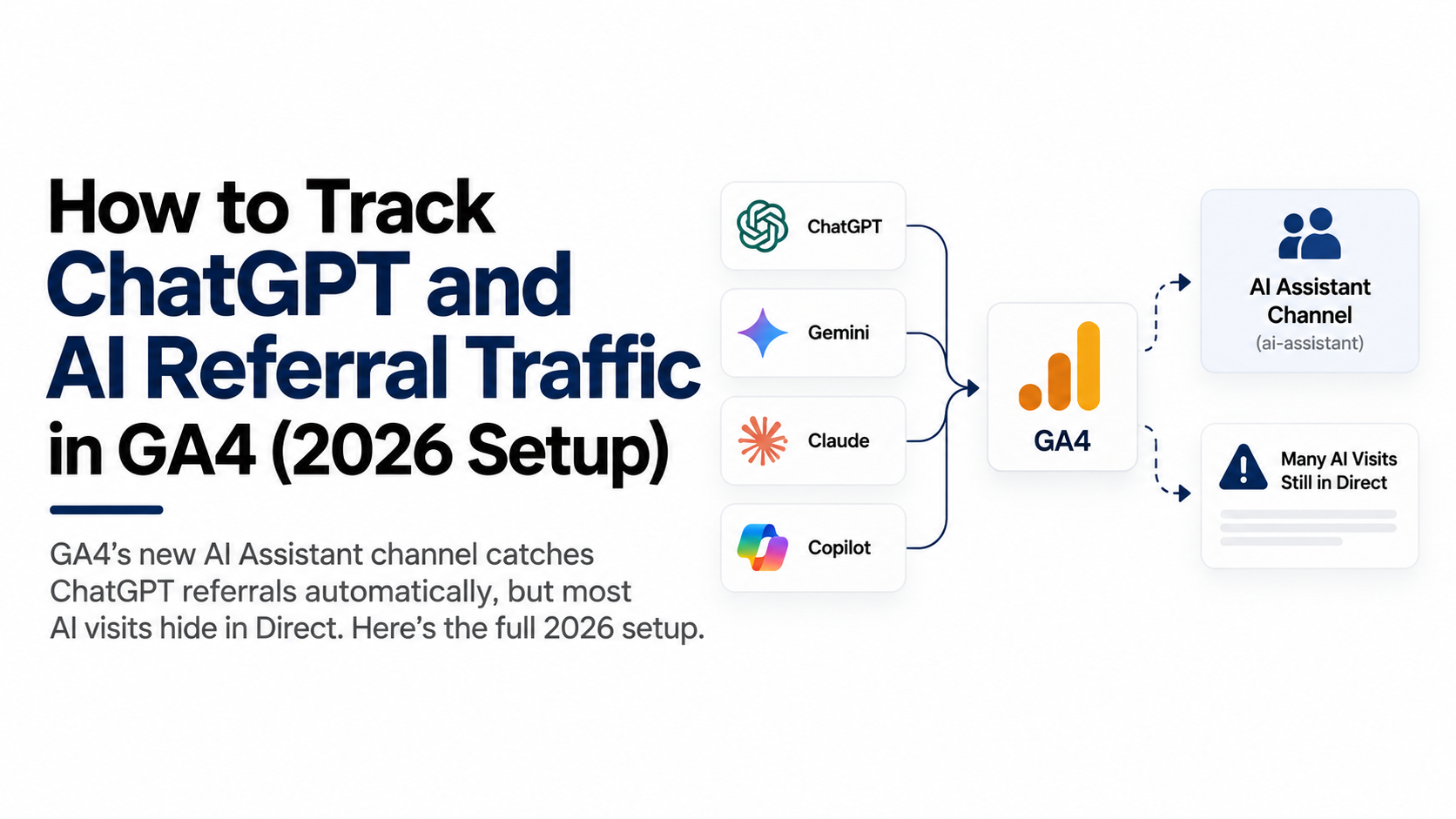
Because clicks from AI interfaces often arrive at your site with no referrer, and GA4 treats a session with no referrer and no UTMs as Direct. In-app browsers and strict referrer policies strip the "this click came from chatgpt.com" header, so GA4 has nothing to work with. This is the single biggest reporting trap on this channel: your ads can be converting while GA4 swears the buyers typed your URL by hand.
UTMs fix the attribution, but there's a second trap. Even correctly tagged sessions with source=chatgpt, medium=cpc land in Paid Other under GA4's default channel grouping, because chatgpt isn't on Google's source lists for Paid Search, Paid Social, or Paid Shopping. Technically visible, practically buried.
So build a custom channel group:
- In GA4, go to Admin → Data display → Channel groups.
- Copy the default group to create a new one, keeping the original as a fallback.
- Add a channel called ChatGPT Ads with the condition: session source contains
chatgptAND session medium exactly matchescpc. - Add a second channel called AI Referral for the untagged spillover: session source contains
chatgptoropenai, any medium. This catches organic ChatGPT mentions too, which you want to see separately from paid. - Drag both channels above Paid Other and Referral in the rule order. Channel rules evaluate top-down, first match wins.
- Save, then select your new group as the primary channel group in reports.
Because channel groups are rule-based, your new grouping applies to historical sessions in reports as well, so you can re-slice the traffic you already bought.
For a deeper look, build an Exploration: free-form table, dimension session source / medium, metrics sessions, key events, and revenue, with a filter for source containing chatgpt. That's your daily read on whether the channel actually sells, independent of anything the ads platform reports.

- Copy the default channel group — GA4 Admin, Data display, Channel groups; keep the original as a fallback
- Add a ChatGPT Ads channel — Condition: session source contains chatgpt AND session medium exactly matches cpc
- Add an AI Referral channel — Source contains chatgpt or openai, any medium, so organic mentions stay separate
- Move both above Paid Other — Rules evaluate top-down and first match wins, so the order decides the bucket
- Traffic reports as ChatGPT Ads — Rule-based groups reapply to historical sessions, so past spend re-slices too
What dataLayer events do you need for conversions?
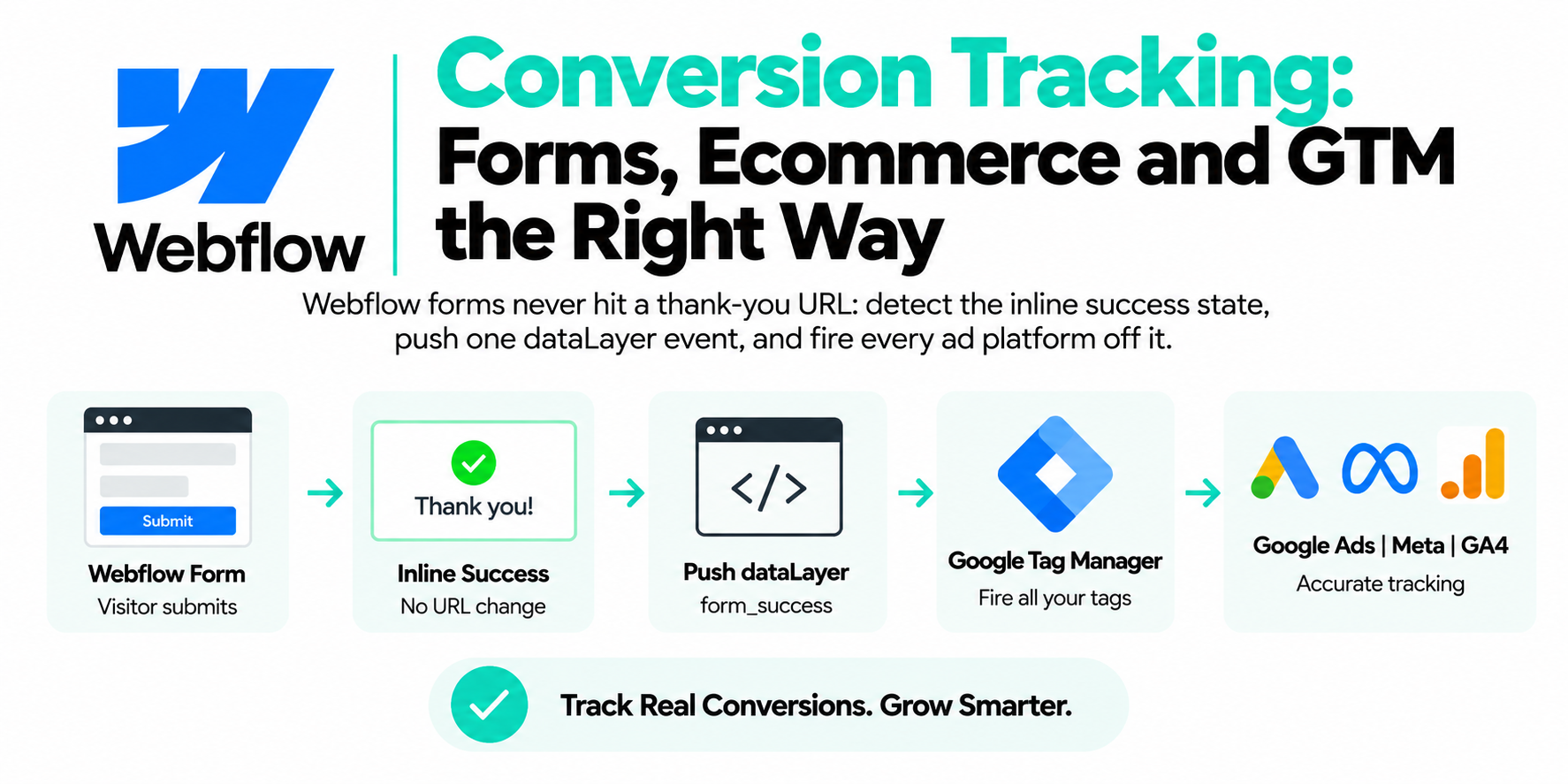
You need a purchase event and a lead event pushed to the dataLayer at the moment of conversion, carrying value, currency, and a unique event_id. This is the foundation everything else consumes. GA4 reads it. Meta reads it. Google Ads reads it. And whatever tag OpenAI ships will read it too, because every ad platform's tag ultimately wants the same handful of fields.
On the order confirmation page (or purchase webhook):
window.dataLayer = window.dataLayer || [];
dataLayer.push({
  event: "purchase",
  event_id: "ord_84213_1754200000",  // unique per conversion
  transaction_id: "84213",
  value: 149.00,
  currency: "USD",
  items: [{ item_id: "SKU-101", item_name: "Starter Plan", price: 149.00, quantity: 1 }]
});
For lead gen, same idea on form success:
dataLayer.push({
  event: "generate_lead",
  event_id: "lead_" + Date.now() + "_" + Math.random().toString(36).slice(2, 8),
  value: 50.00,
  currency: "USD"
});
Two rules that matter more than they look:
- Derive
event_idfrom something stable when you can. An order ID beats a random string, because a page refresh on the thank-you page regenerates a random ID and creates a duplicate.transaction_idplus a timestamp captured once is the sweet spot. - Push before the tags fire, not after. In GTM, every conversion tag should trigger off the
purchaseorgenerate_leadcustom event, reading its values from dataLayer variables. One push, many consumers.

| Layer | What sits there |
|---|---|
| Inputs | Order confirmation page, Lead form success, Purchase webhook |
| purchase / generate_lead | Carries value, currency and a unique event_id derived from the order ID |
| Destinations | GA4, Google Ads, Meta CAPI, Any future OpenAI tag |
How do you deduplicate browser and server-side events?
Send the same event_id with both the browser event and the server event, and let the platform drop the duplicate. This is baseline practice on Meta, where the pixel and the Conversions API dedupe on event name plus event_id, and it's the pattern I'd assume any new ads platform follows in some form. Confirm the exact field names in OpenAI's current docs when you wire it — dedup keys are exactly the detail that changes early in a platform's life.
The plumbing is straightforward if your dataLayer is right. Your browser tag reads event_id from the dataLayer push. Your server-side GTM container (or webhook forwarder) receives the same conversion from your backend with the same order ID, builds the identical event_id, and sends it on the server path. Same conversion, same ID, two routes, counted once.
Why bother on a young channel? Because in-app browsers are exactly where client-side tags die: short cookie lifetimes, aggressive privacy defaults, consent banners dismissed mid-scroll. A server path fills those gaps, and dedup is what lets you run both without inflating your numbers.
How do you QA the setup before scaling spend?
Test the full click-to-conversion path yourself before real budget flows:
- Click your own tagged URL (or paste it into a browser) and confirm every UTM survives to the landing page.
- Open GTM Preview mode, run a test conversion, and check the
purchaseevent fires once withevent_id,value, andcurrencypopulated. - In GA4 DebugView, verify the event arrives with the right parameters and the session shows
chatgpt / cpc. - Check Realtime for the session source, then confirm your custom channel group buckets it as ChatGPT Ads the next day.
- After the first week, compare platform-reported clicks against GA4 sessions for the channel. Expect a gap — in-app browsers and consent declines guarantee one — but it should be a stable ratio, not a chasm.
The channel is new. The playbook isn't. UTM discipline, honest channel grouping, a clean dataLayer, and dedup have outlived every platform pivot of the last decade, and they'll outlive whatever ChatGPT's ad product looks like next year.
Why does first-party server-side tracking matter even more for AI traffic?
AI-referred visitors are the worst-tracked segment you have. Many arrive through in-app browsers or privacy-hardened setups, referrers get stripped in transit, and the audience skews technical — exactly the people running ad blockers that eat your pixel before it loads. Browser-only tracking undercounts this traffic more than any other source, which means the channel that's actually growing looks smaller than it is.
Capturing events first-party on your own subdomain closes most of that gap. The server endpoint isn't on blocklists, the cookies it sets outlive Safari's seven-day cap, and click IDs get stored the moment someone lands — before an in-app browser has a chance to lose them. If you want to know what ChatGPT and AI Overviews traffic is really worth before your competitors do, this is the infrastructure that tells you.
Frequently asked questions
How do I track conversions from ChatGPT ads?
Tag every destination URL with utm_source=chatgpt and utm_medium=cpc, fire purchase or lead events through your dataLayer with a unique event_id, and read results in GA4 through a custom channel group. Add any native OpenAI tag on top once you've confirmed its current setup in their documentation.
Why is my ChatGPT ad traffic showing as Direct in GA4?
Clicks from in-app browsers and AI interfaces often arrive without a referrer, and GA4 classifies referrer-less, untagged sessions as Direct. UTM parameters on your destination URLs fix this, because GA4 reads source and medium from the URL itself.
What UTM parameters should I use for ChatGPT ads?
Use utm_source=chatgpt, utm_medium=cpc, a consistent utm_campaign naming convention like 2026-08_us_demo-offer, and utm_content for the creative variant. Keep everything lowercase and identical across every ad.
Does ChatGPT have a conversion tracking pixel?
OpenAI's ads product is new and its measurement tooling is still evolving, so check OpenAI's current ads documentation for what's available on your account. Build your UTM, GA4, and dataLayer foundation regardless — any native tag will plug into it.
How do I see ChatGPT traffic in a GA4 report?
Create a custom channel group with a ChatGPT Ads channel (source contains chatgpt, medium matches cpc), or build a free-form Exploration filtered to session source containing chatgpt with sessions, key events, and revenue as metrics.
Do I need server-side tracking for ChatGPT ads?
Not on day one, but it's worth adding once spend is meaningful, because in-app browser clicks are where client-side tags fail most. If you send events from both browser and server, dedupe them with a shared event_id so conversions aren't counted twice.
Why don't my ChatGPT ad clicks match my GA4 sessions?
A gap is normal: consent declines, in-app browser quirks, and bounced clicks that never load your tags all reduce recorded sessions. Watch the ratio over time — a stable gap is expected, a sudden widening usually means a redirect started stripping your UTMs.