Meta has spent the last few years making the Conversions API feel like a checkbox. Connect your store, click through a guided flow in Events Manager, and a green "Active" badge tells you server-side tracking is done. I've audited a lot of accounts wearing that badge. The connection is real. What's flowing through it is often thin.
What does Meta's one-click CAPI setup actually do?
It opens a server-to-server channel that sends your events to Meta from a backend, alongside the browser pixel, without you writing any code. That covers native partner integrations (Shopify's built-in connection, WooCommerce and other platform plugins), gateway-style setups where the server piece is provisioned for you, and the guided flows inside Events Manager.
The baseline value is real. Browser-only tracking loses events to ad blockers, WebKit's ITP cookie limits, and people bouncing before the pixel fires. A server channel catches a chunk of that. And on the major partner integrations, deduplication for standard events is handled for you: the platform sends the same event_id with the browser Purchase and the server Purchase, so Meta keeps one copy instead of counting your sale twice.
So no, automated CAPI isn't snake oil. It's a floor. The problem is that Meta's onboarding makes the floor feel like the ceiling.

| One-click setup | Server GTM container |
|---|---|
| Standard events, dedup handled | Hashed email and phone you choose |
| Sends whatever the platform has | _fbc captured when they landed |
| Custom events not included | One event_id scheme across tools |
| Consent logic you can't see | Consent gate on your own server |
| Payload hidden behind a badge | Same events feed Google and TikTok |
What do automated CAPI setups quietly miss?
Three things: rich customer information parameters, event_id discipline outside the happy path, and your custom events. Plus a structural gap around consent, covered below.
Thin customer information parameters (this is your EMQ)
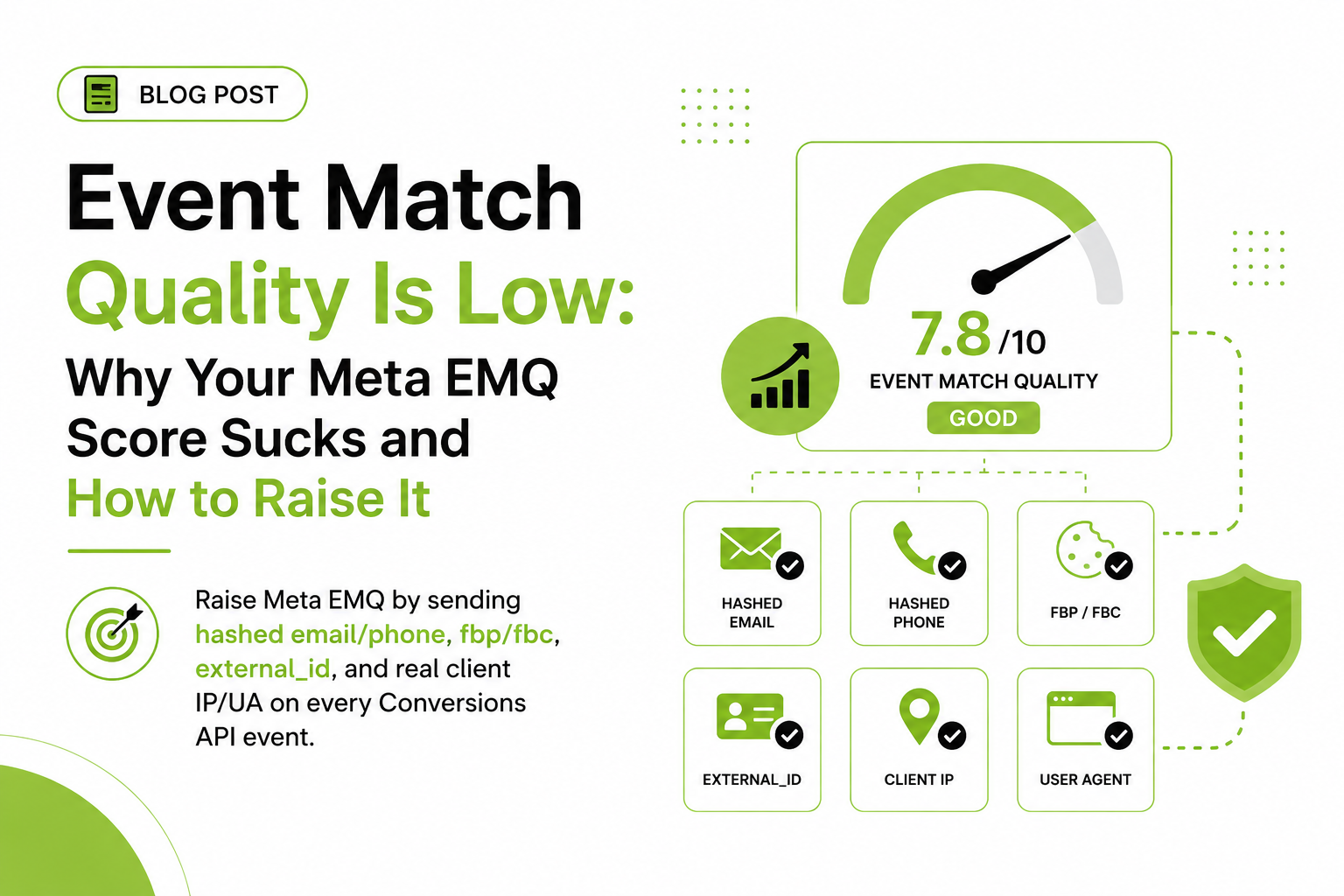
Meta matches a server event to a real account using hashed identifiers: email, phone, first and last name, external_id, plus the _fbp and _fbc cookie values, IP address, and user agent. Event Match Quality — Meta's 0–10 score per event — is basically a report card on how many of those you sent and how good they were.
An automated setup sends whatever the platform has within easy reach at the moment the event fires. For a logged-in Shopify checkout, that's decent: email and address data exist, so Purchase EMQ can look healthy. But move one step away from that ideal case and the parameters get sparse fast. A generic plugin firing ViewContent for an anonymous visitor might send little beyond _fbp, IP, and user agent. A lead-gen site running a gateway-style setup often can't see your form fields at all, so the one identifier that matters most — the email the person just typed — never reaches Meta. I've seen accounts where Lead events scored under 4 out of 10 for exactly this reason, while the owner assumed CAPI had them covered.
Low match quality isn't cosmetic. An unmatched event can't be attributed to the ad that drove it and can't teach delivery who converts. You paid for the click. Meta shrugged.
Deduplication stops at the standard events
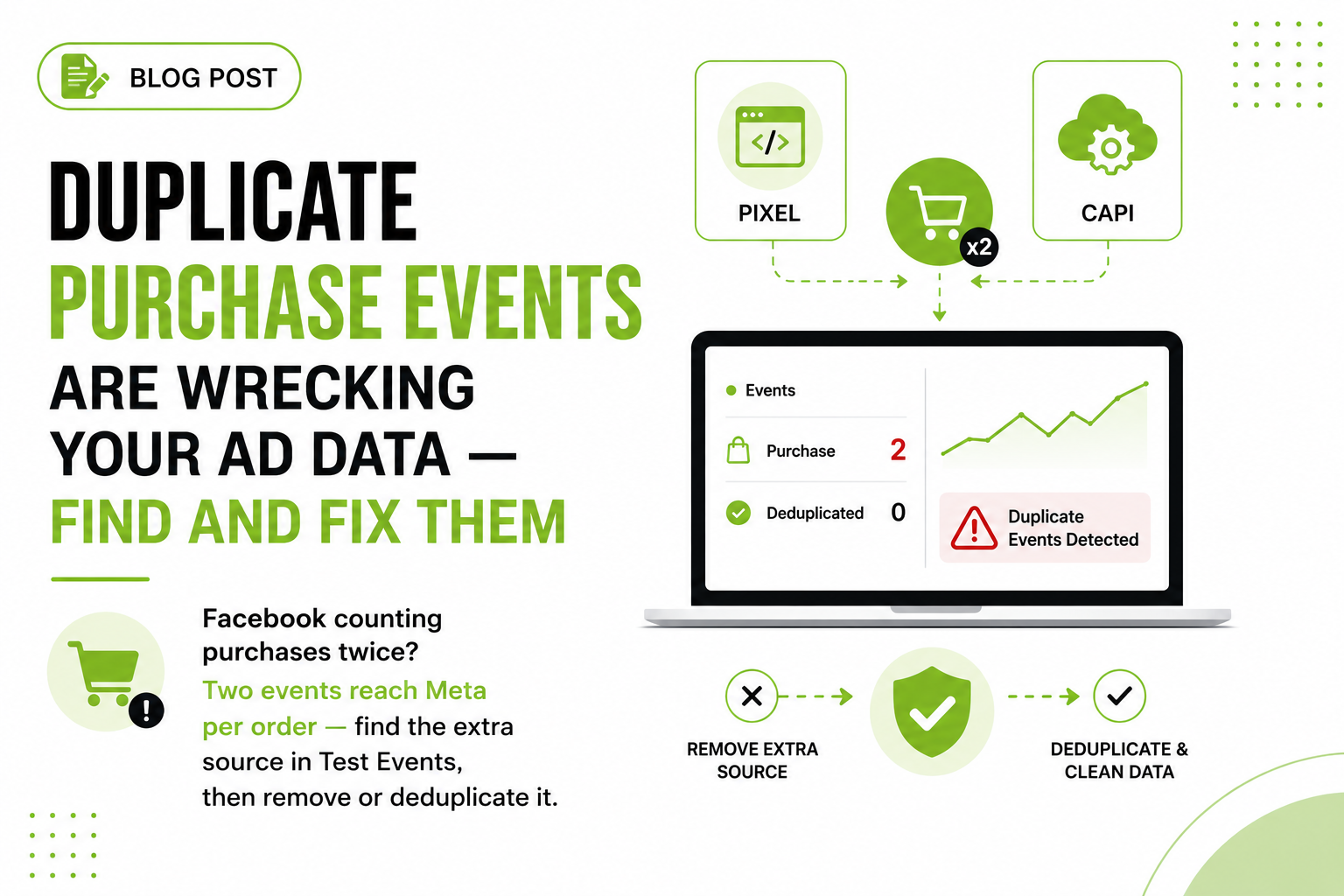
Partner integrations handle event_id pairing for their own standard events on their own flow. Step outside that and nobody's pairing anything. A booking widget firing its own pixel events, a quiz tool, an upsell app — if those fire in the browser while your automated server channel reports something similar, you double count or quietly drop one side. I've watched Purchase counts drift well above the store's actual order count on setups like this. The account owner trusted the higher number, and the ROAS math was fiction.
Custom events don't exist
One-click setups ship the platform's standard event set and stop. Your "application submitted," "demo booked," "upsell accepted" — the events that actually describe your funnel — aren't part of the deal. You can't optimize toward events you never send.

- Anonymous visitor — Setup sends _fbp, IP and user agent only
- Lead event accepted — 200 OK, and EMQ under 4 out of 10
- Nobody matched — Can't attribute the click or teach delivery
- Add your identifiers — Hashed email and phone from your own form
- Matched Lead event — EMQ climbs, Meta optimizes on real buyers
Who controls consent in an automated setup?
Mostly not you, and that's the part that should worry anyone with EEA traffic. In a setup you control — say, a GTM server container — you gate server events on your CMP's consent state: no marketing consent, no event to Meta. Automated setups tend to be all-or-nothing. The platform or gateway forwards events on its own logic, and your consent banner may have no say in what leaves the server. Some integrations expose consent controls; many expose nothing, and you learn what they honor from vendor docs, not from anything you configured.
With Consent Mode v2 enforcement long settled on the Google side, consent-gated firing is the normal expectation. A server channel silently shipping EEA events regardless of banner choice is a liability you inherited by clicking "Connect."
When is the automated setup actually fine?
When you're a standard ecommerce store on a major platform, spending modestly, with most conversions happening through the native checkout. Shopify's built-in integration is the honest example: checkout has the customer's email, so Purchase goes out with solid parameters and correct dedup. If your Purchase EMQ sits at 8 or above and event counts match order counts, don't rip it out to feel sophisticated. Spend your energy on creative instead.
It stops being fine when you run lead gen, your funnel spans multiple tools, you optimize toward mid-funnel or custom events, you have meaningful EEA traffic, or your spend is high enough that a few points of match quality move real revenue. Meta's own guidance is blunt that richer customer information parameters improve matching and attribution. At $500/month in spend, a weak setup is a rounding error. At $50,000, it's a salary.

- Open the dataset event list — Each event shows the connection methods it arrives from: browser, server or both
- Open Purchase and Lead details — Read the EMQ score and which customer information parameters Meta received
- Confirm dedup, then counts — Server-reported Purchase count against actual orders for the same window
- Try the Test Events tab — Watch a test session land live; server events need somewhere to pass a test code
How do I check what my CAPI setup actually sends?
Open Events Manager and inspect the payload instead of trusting the badge. Fifteen minutes, no code:
- In Events Manager, open your pixel/dataset and look at the event list. Each event shows which connection methods it arrives from — browser, server, or both.
- Click into a key event like
PurchaseorLeadand open its details. You'll see the Event Match Quality score and which customer information parameters Meta actually received. Empty email and phone on a purchase event means your "done" setup is running on cookies and IP addresses. - For events arriving via both browser and server, confirm Meta reports them as deduplicated rather than counting both. Then sanity-check totals: server-reported
Purchasecount vs. actual orders in your platform over the same window. - Use the Test Events tab to watch events land live from a test session. Browser events show up easily; server events require the integration to pass a test code, and plenty of one-click setups give you nowhere to put one. That dead end is itself the finding.
If you find thin parameters, mismatched counts, or a consent black box, the fix isn't another automated connector. It's moving the server side into something you control — a server GTM container or a direct CAPI build — where you decide the parameters, the event_id logic, and the consent gate.
What does a proper first-party setup deliver that one-click CAPI can't?
Control, mostly — and control is where the performance hides. A first-party server-side GTM container runs on your subdomain, so you decide exactly which parameters ride along with every event: hashed email and phone from your own customer records, fbp and fbc captured the moment the visitor landed, order data pulled from the backend instead of scraped off a checkout page. That's how Event Match Quality climbs, and EMQ is what determines whether Meta finds the buyer or a lookalike of a bounce.
It also future-proofs the stack. One server container feeds Meta, Google, and whatever platform you add next, with one event_id scheme and one consent gate you actually control. The one-click integration is a fine floor. It's just not the setup your ad spend deserves once the monthly budget has a comma in it.
Frequently asked questions
Is Meta's automatic Conversions API setup good enough for a Shopify store?
For a standard store on the native checkout, usually yes as a baseline — Shopify sends customer data on Purchase and handles deduplication. Check that Purchase EMQ is 8+ and mid-funnel events aren't scoring far lower.
Does a gateway-style CAPI setup improve Event Match Quality?
Modestly. It mostly relays what the browser already collected, so it recovers events lost to blockers and cookie limits but can't add identifiers it never saw, like an email from your form.
What is a good Event Match Quality score?
Meta scores each event 0–10 and there's no official pass mark. In practice I treat 8+ as the target for Purchase and anything under 6 as a problem worth fixing, especially on events you optimize toward.
Will one-click CAPI double count my purchases?
Not on the standard events the integration manages — those share an event_id across browser and server. Custom events and third-party tools firing alongside it are where double counting creeps in.
Do I still need the Meta Pixel if I have CAPI?
Yes. The pixel supplies browser signals like _fbp and _fbc that help matching, and running both channels with deduplication is Meta's recommended setup.
Can I add customer information parameters to an automatic setup?
Usually only whatever toggles the platform exposes, which isn't much. Full control over parameters means moving to a server GTM container or a direct CAPI implementation.
Does the Conversions API fix iOS and ATT signal loss?
Partly. It makes delivery more reliable and improves matching for consenting users, but it doesn't restore data from users who opted out. It's plumbing, not a consent workaround.