Most tracking setups I audit fail at least one of the five sections below, and the owner had no idea. The dashboards looked fine. The spend kept going out. Work through it top to bottom, and check a box only if you verified it today.
You'll need Google Ads, Meta Events Manager, GA4, your backend (Shopify, Stripe, or CRM), and a way to place a test order. Tag Assistant and Meta's Test Events tool are free and do most of the work.
What should you check before touching any ad platform? (Foundations, 4 minutes)
Start by proving that each money event fires exactly once per action and carries a value your backend agrees with. Fail here and every platform downstream is optimizing on garbage.
You know your money events by name. Purchase, generate_lead, whatever maps to revenue. Write them down. Audit those, not page_view or scroll depth.
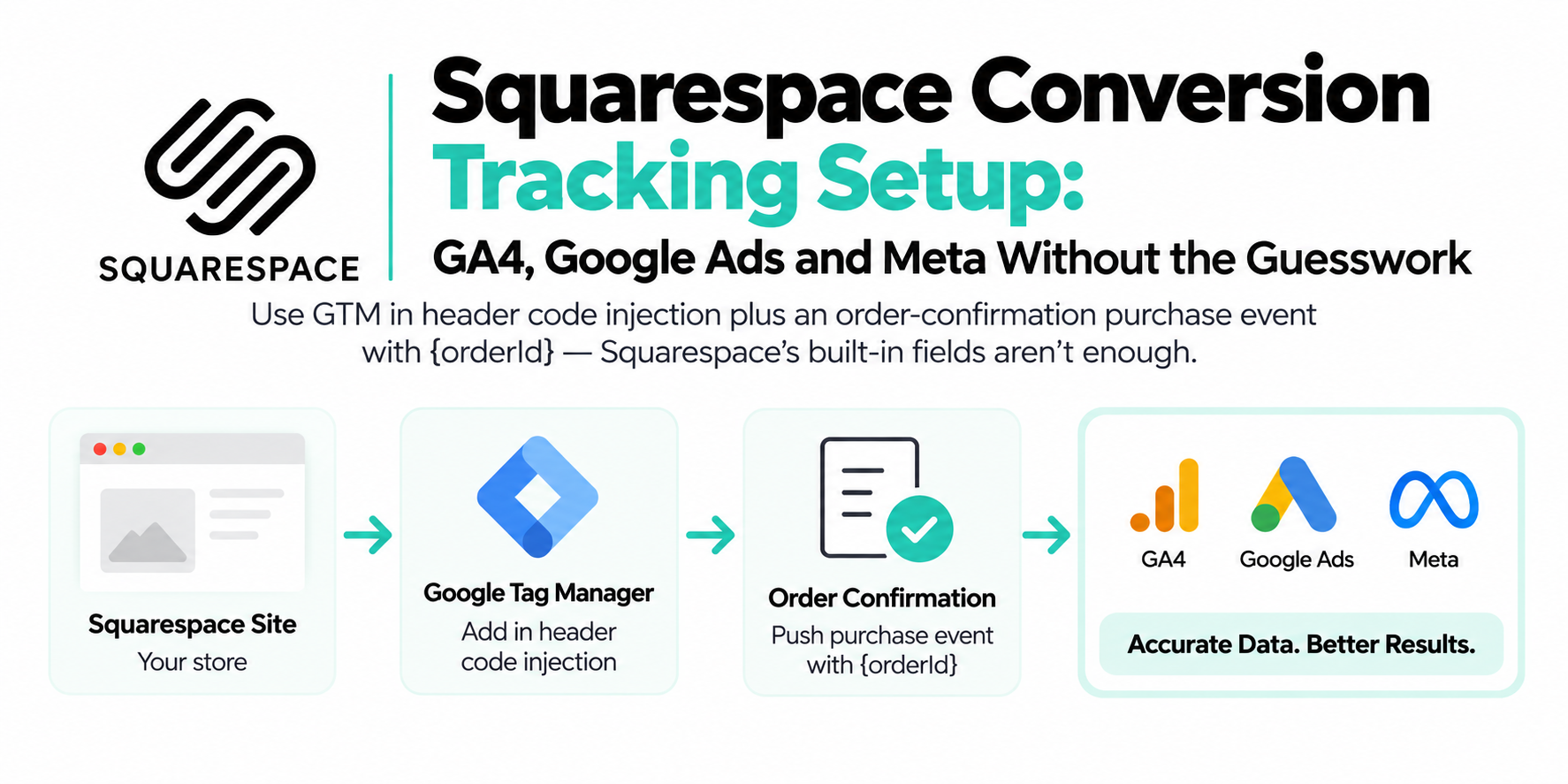
One action fires one event. Place a test order with GA4 DebugView and Tag Assistant open. Exactly one Purchase should appear. Then refresh the thank-you page. If it fires again, you're double counting every customer who reloads.
Reported revenue matches your backend within tolerance. Pull the last 7 days of platform-reported purchase value next to Shopify, Stripe, or your CRM. A few percent of drift is normal (timezones, refunds, attribution windows). A 20% gap is not.
Every Purchase carries value and currency. A Purchase without a value can't feed value-based bidding. Check the actual event payload, not the tag config.

- Foundations, 4 minutes — One action fires one event, values match your backend, every Purchase has currency
- Google Ads, 4 minutes — Only money events Primary, Enhanced Conversions diagnostics green, gclid survives
- Meta, 4 minutes — Server events in the last 24 hours, dedup confirmed, EMQ above 5 on Purchase
- Consent, 4 minutes — Defaults before tags, a decline that actually declines, consent reaching the server
- Attribution, 4 minutes — One written UTM convention, every ad tagged, no paid traffic leaking into Direct
- Score out of 20 — A box you know is probably fine but did not verify today stays unchecked
How do you know your Google Ads conversions are healthy? (4 minutes)
Open Goals > Conversions in Google Ads and confirm that only real money events are set to Primary, Enhanced Conversions shows a green diagnostic, and your gclid survives the trip to the landing page.
Primary vs. secondary is sane. Only events that mean money are Primary. An imported add_to_cart set to Primary means Smart Bidding chases cart adds while you think it's chasing sales. Demote anything that isn't revenue.
No duplicate or stale conversion actions. Two purchase actions both marked Primary means double-counted conversions and inflated ROAS. Old imported goals are the usual suspects.
Enhanced Conversions diagnostics pass. Open each web conversion action's Diagnostics tab and look for the status confirming enhanced conversions are recording. "Set up" in settings but red in diagnostics means configured and doing nothing. I see that constantly.
gclid survives your redirects. Click your own ad and look at the final URL. The gclid should still be there. Vanity redirects, geo redirects, and some landing page builders strip query strings, and every stripped gclid is a conversion Google can't match to a click.
Is Meta actually receiving and deduplicating your server events? (4 minutes)
In Events Manager, confirm server events arrived in the last 24 hours, deduplication is working on Purchase, and Event Match Quality isn't near the bottom of the 0–10 scale.
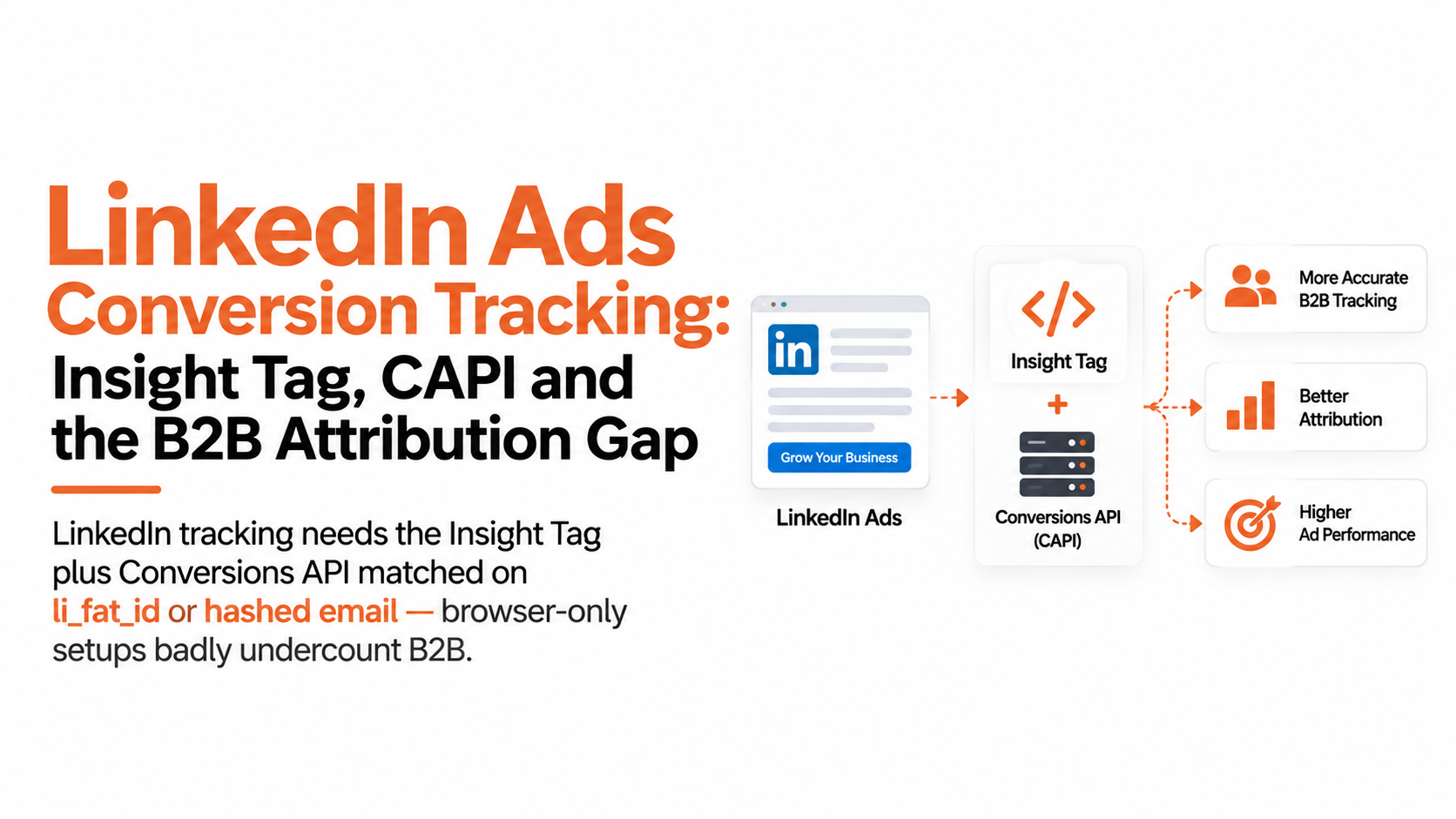
CAPI is sending events right now. In Events Manager, your money events should show both Browser and Server within the last 24 hours. A pipeline that died three weeks ago still shows as "connected."
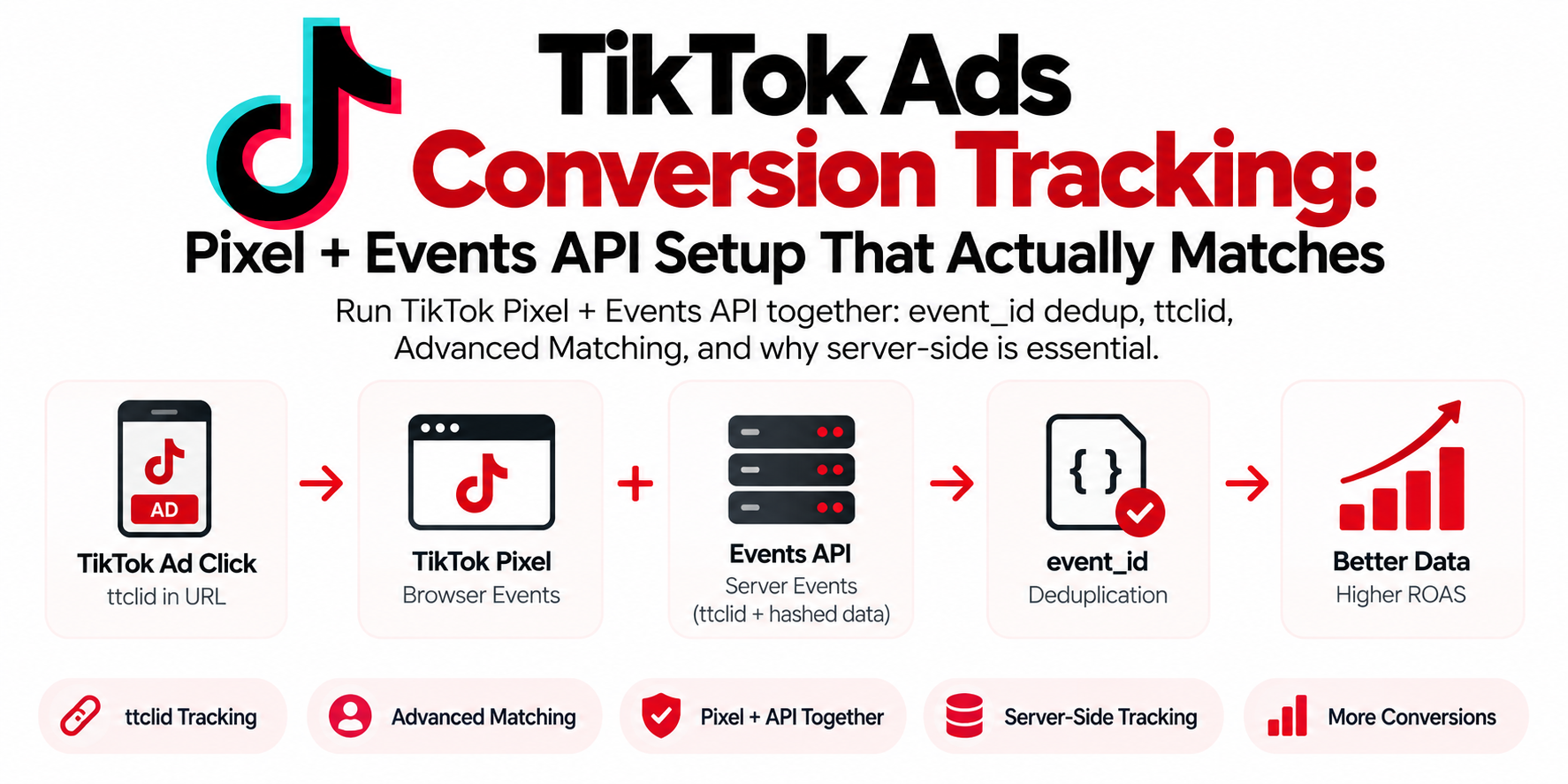
Deduplication is confirmed, not assumed. Browser and server must send the same event_id and event_name for Meta to merge them. Fire a test purchase in the Test Events tool and look for the deduplication indicator. Both versions counting means inflated results and doubled signals.
EMQ is above the floor. Meta scores Event Match Quality 0–10. If Purchase sits under 5, your server events are missing matching parameters: hashed email, phone, _fbp, _fbc. More matches, more attributed conversions from the same spend.
_fbp and _fbc actually reach the server payload. Inspect a server event's parameters. fbc does heavy lifting for click attribution, and it only exists if the fbclid was captured on landing.
Does your setup respect consent without going blind? (4 minutes)
Verify that Consent Mode v2 sets its default state before any Google tag fires, and that a declined banner in the EU actually changes what gets sent.
Consent default loads before tags. In Tag Assistant, on a fresh incognito session, the consent default (including ad_user_data and ad_personalization, the two v2 signals) must appear before the first Google tag fires. Default-after-tags means your first pageview ignored consent entirely.
Declining actually declines. Visit as an EU user (VPN works), reject the banner, and watch the network tab. Google tags should drop to cookieless pings or stay silent, and the Meta Pixel should not fire at all. A "decline" that changes nothing is the most common consent failure I find.
The CMP categories are mapped to your actual tags. A banner from a plugin that no one connected to GTM blocks nothing. Check that marketing-category consent actually gates the marketing tags.
Consent reaches the server container. If you run server-side GTM, confirm it respects the browser's consent state. Forwarding events the browser refused to send defeats the point.
Where does your attribution quietly leak? (4 minutes)
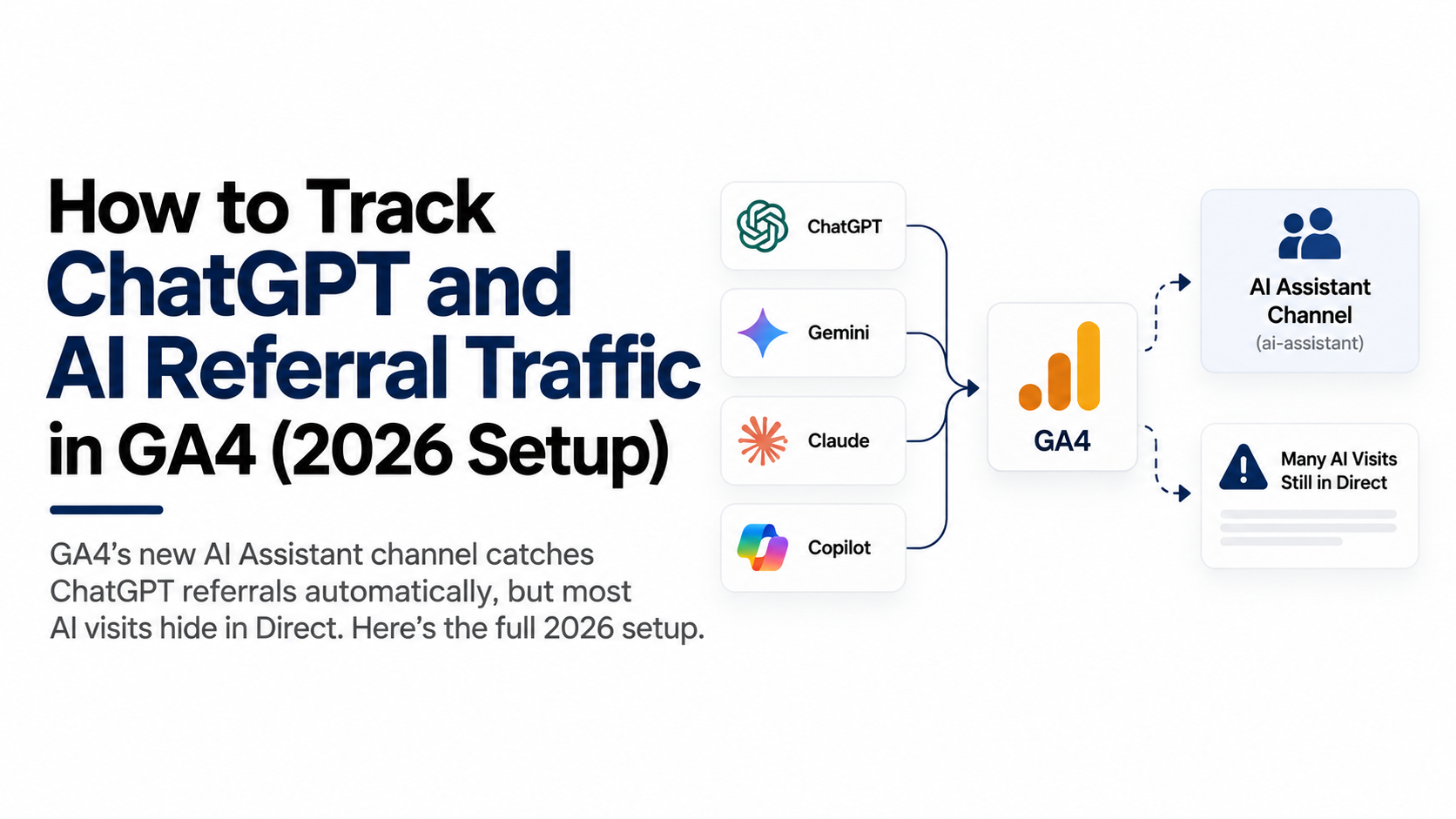
Check that your UTMs follow one written convention and that paid traffic isn't showing up in GA4 as Direct. Failures here don't break conversions; they break knowing which campaigns earned them.
One UTM convention, written down. Lowercase everything, fixed source/medium pairs. utm_source=Facebook and utm_source=facebook report as two different sources, and you'll never trust a channel report again.
Every active ad has tagging. Auto-tagging on in Google Ads. UTMs on every Meta ad, ideally with Meta's dynamic URL parameters so nothing ships untagged.
No paid-as-Direct leakage. In GA4 traffic acquisition, if Direct spikes line up with campaign launches, your click parameters are dying somewhere: a redirect chain, a link shortener, an in-app browser handoff. Direct should be boring.
Ad URLs preserve query parameters end to end. Paste a fully tagged ad URL and confirm every parameter survives to the final page. Same as the gclid check, for the whole UTM set.
How do you score your audit?
Count your checked boxes out of 20. Be honest. A box you "know is probably fine" but didn't verify stays unchecked.
| Boxes checked | Verdict |
|---|---|
| 18–20 | Solid. Re-run this quarterly and after any theme, checkout, CMP, or platform change. |
| 14–17 | Leaking. Your bidding runs on partial data. Fix the unchecked items this week, starting with Foundations. |
| 9–13 | Broken in places that cost real money. Expect wrong ROAS, misattributed campaigns, and optimization pointed at the wrong people. |
| 0–8 | Rebuild territory. Patching one item at a time will take longer than setting it up correctly once. |

| Stage | What happens |
|---|---|
| 18-20 checked: solid | Re-run quarterly and after any platform change |
| 14-17: leaking | Bidding runs on partial data, fix this week |
| 9-13: broken in places | Wrong ROAS and misattributed campaigns |
| 0-8: rebuild territory | Patching one item at a time takes longer |
What do you do with the sections you failed?
Fix Foundations first, because nothing else matters while your money events double-fire or drift from your backend. Then work down in order. Each section's unchecked boxes are your task list.
If you failed two or more sections, what you just ran is the surface layer of a professional tracking audit. The items you couldn't verify yourself (server payloads, consent propagation, dedup internals) are exactly what an audit digs into with container access and raw event data. Setups whose owners expected to score 18+ are exactly where we usually find the longest list of revenue-affecting issues.
Why do most audit failures trace back to the same root cause?
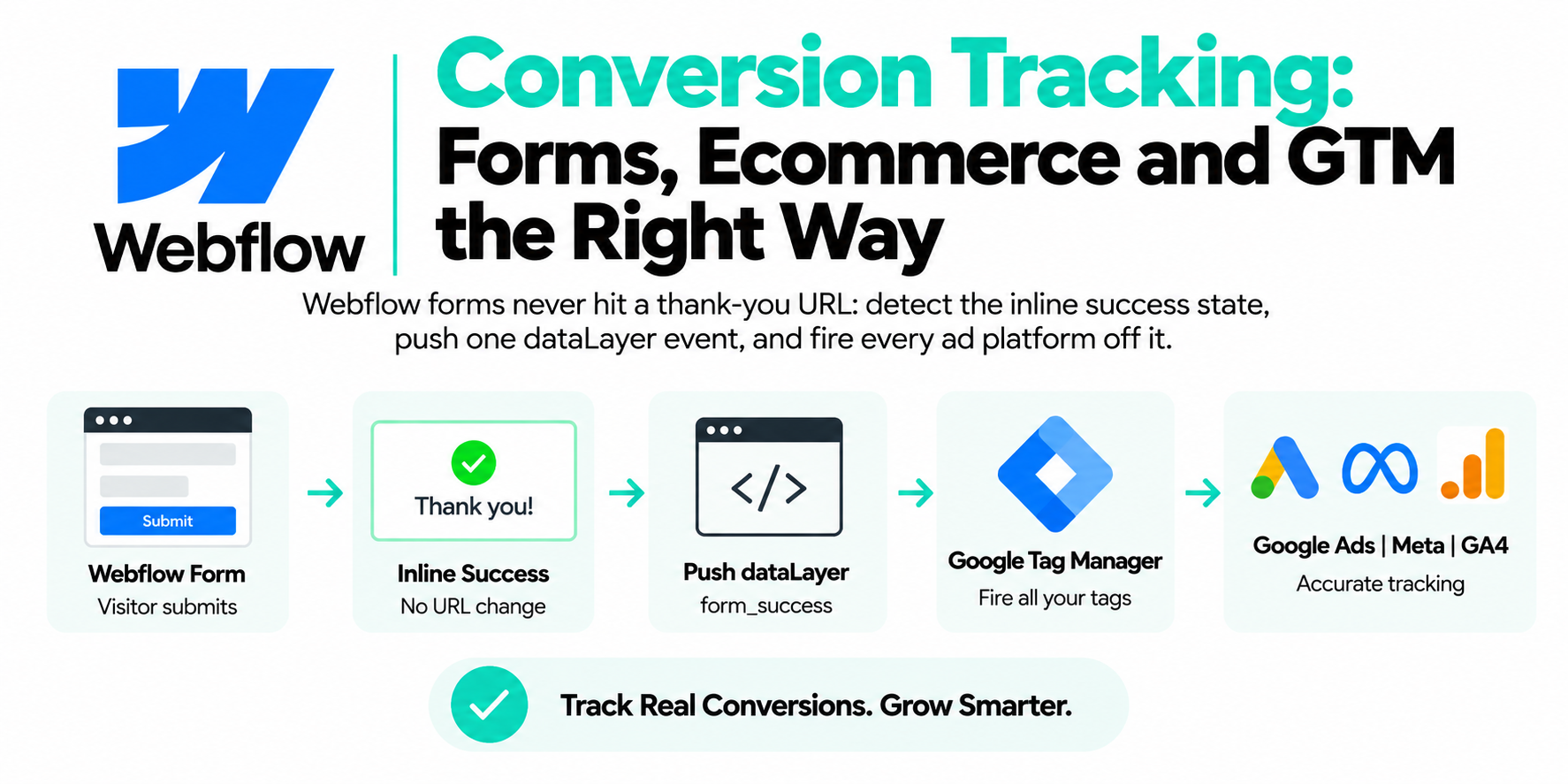
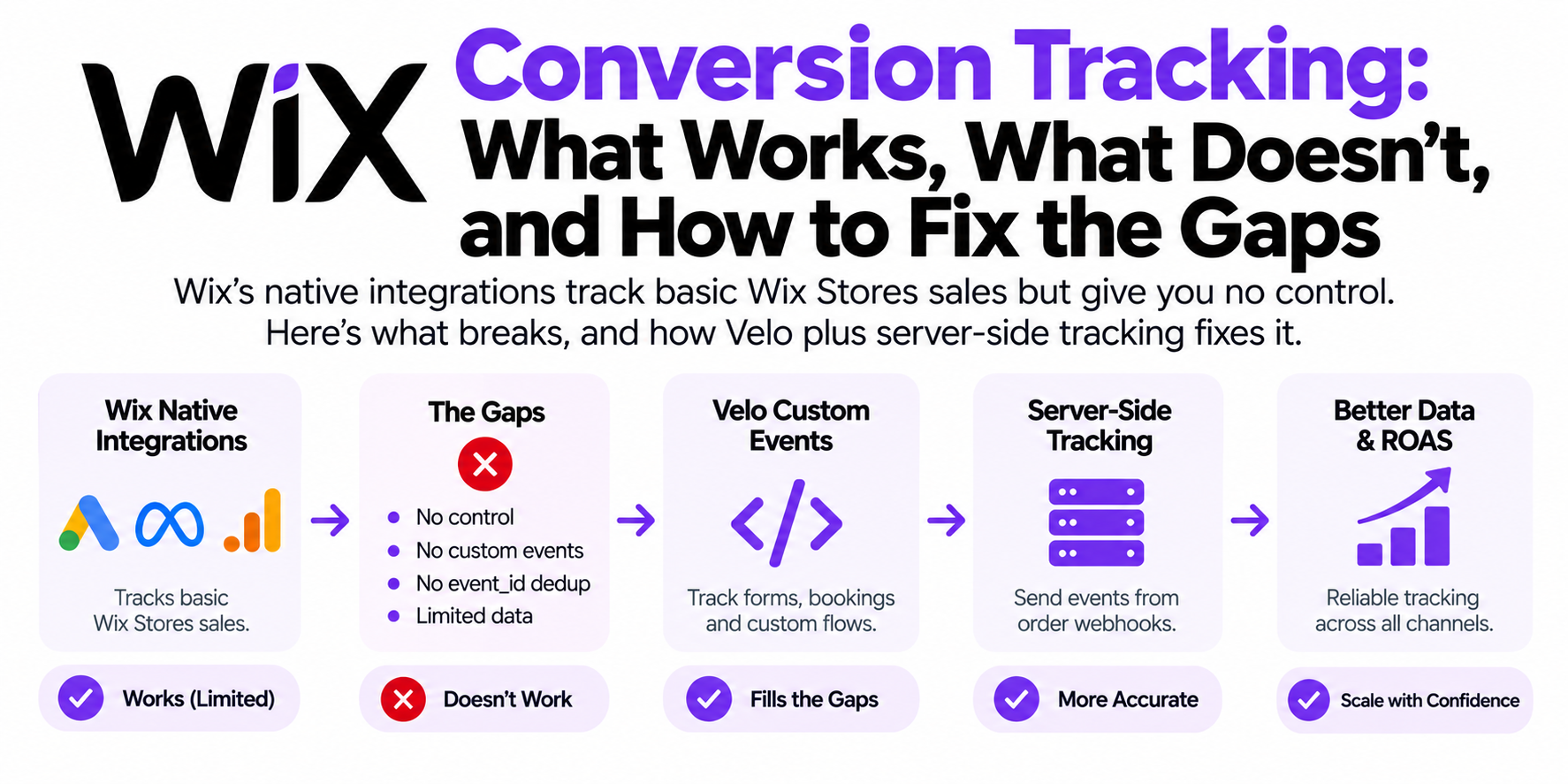
Run this checklist on a struggling account and a pattern shows up: the failures cluster. Undercounted conversions, low match quality, paid traffic leaking into Direct, dedup you can't verify — those look like four problems, but they're usually one: the whole setup lives in the visitor's browser, and browsers in 2026 are hostile territory. Blockers eat tags, iOS caps cookies, embeds hide success states. Each checklist item fails for its own flavor of the same reason.
Which is why the fix that moves the most checkboxes at once is architectural: first-party data collection on your own subdomain with a server-side layer carrying the conversions. Blocked tags stop mattering when events fire from the server. Match quality rises when hashed customer data rides along. Attribution survives when click IDs live in first-party cookies. If your score above was in the red, that's almost certainly the project — not another month of patching symptoms one checkbox at a time.
Frequently asked questions
How often should I audit my conversion tracking?
Quarterly at minimum, plus after any theme update, checkout change, CMP swap, or platform migration. Tracking breaks silently; a schedule beats waiting for a suspicious dashboard.
How do I know if my conversion tracking is double counting?
Place a test order with DebugView open and count the Purchase events, then refresh the thank-you page and count again. Platforms reporting more purchases than your backend is the classic symptom.
What is a good Event Match Quality score for Meta?
EMQ runs on a 0–10 scale; on Purchase you want the upper half. If you're under 5, add matching parameters like hashed email, phone, _fbp, and _fbc to your server events.
Do I need server-side tracking to pass this audit?
No, but a browser-only setup will usually fail the Meta section, since CAPI, dedup, and EMQ all assume server events exist.
What's the fastest way to check if my gclid is being dropped?
Click your own live ad and inspect the final URL. If the gclid is gone, walk the redirect chain hop by hop until you find where it dies.
Can I run this audit without a developer?
Yes. Everything here uses account access and free tools: Tag Assistant, GA4 DebugView, and Meta's Test Events tool.
Why do my Google Ads and GA4 conversion numbers not match?
They never match exactly: different attribution models, and Google Ads reports conversions against the click date while GA4 uses the event date. Worry about large or growing gaps, not the everyday few percent.